
How it works
Three screens. About a minute a day.
There is nothing to set up and nothing to learn. If you can read a number off a monitor and type it in, you can use Hiraal Lifecare.
How it works
Three screens. About a minute a day.
 01
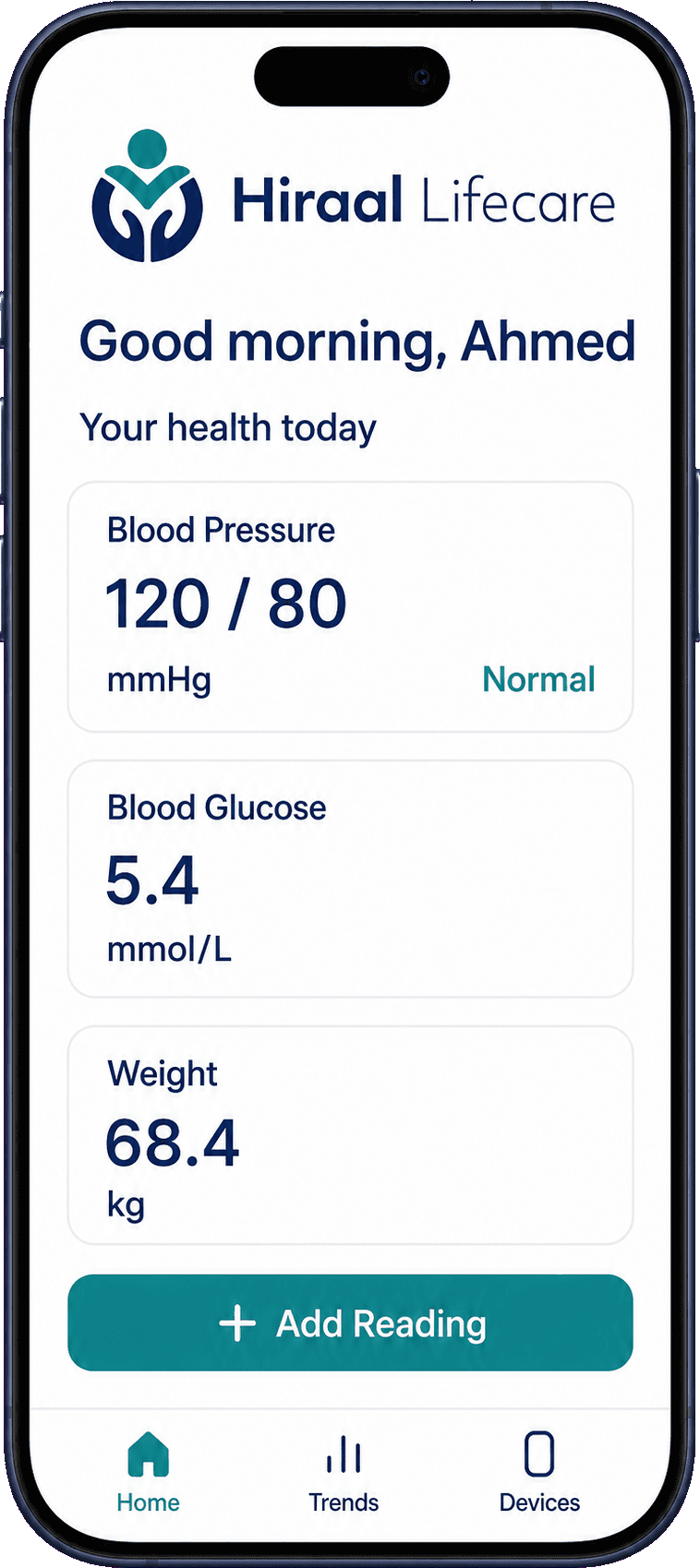
01Open the app
Today's three numbers — blood pressure, blood sugar, weight — are on the first screen, with one button: Add Reading.
 02
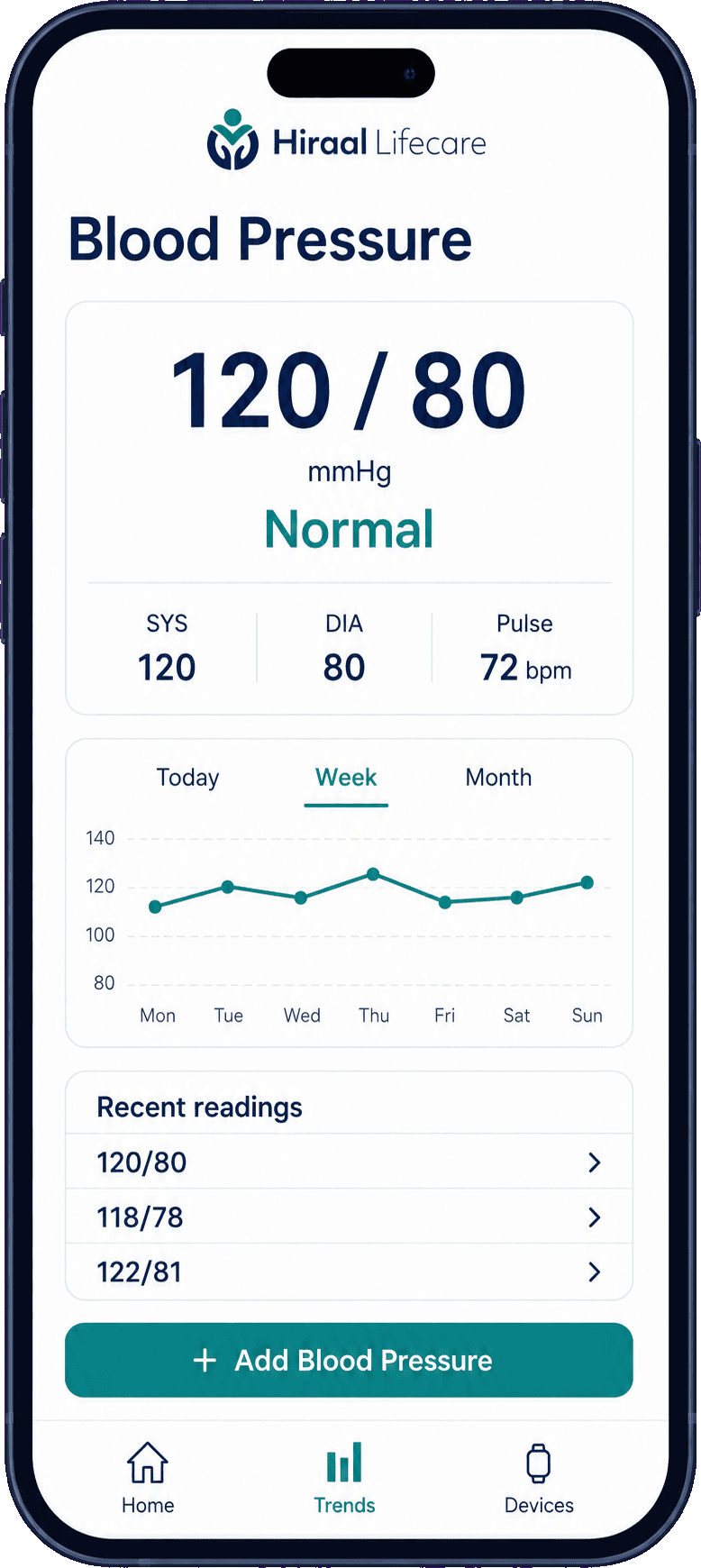
02Enter your reading
Type in the numbers your monitor or meter shows. Each one comes back answered in a word — normal, in range, high or low.
 03
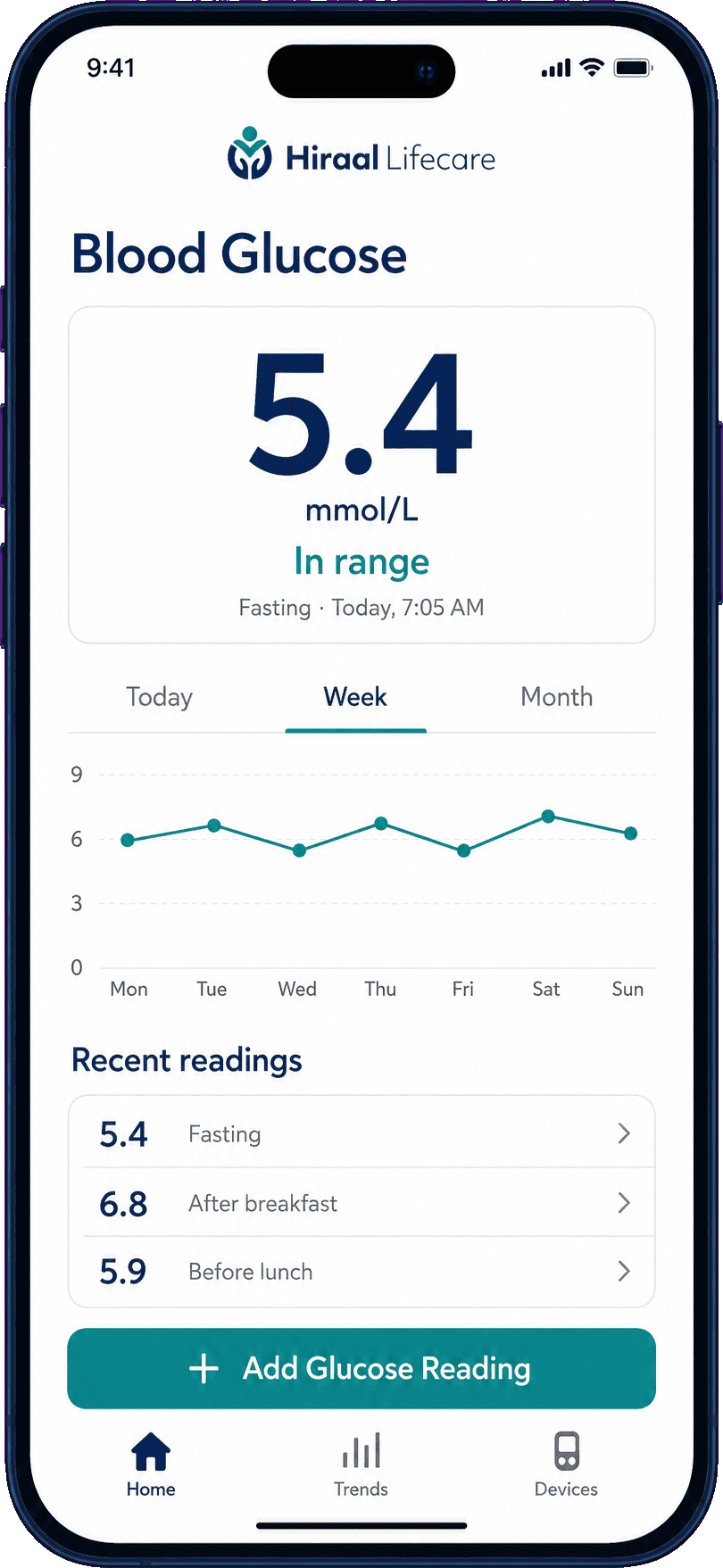
03See your week
Every reading is kept, tagged — fasting, after breakfast — and drawn as one line for the week or the month.
The first screen
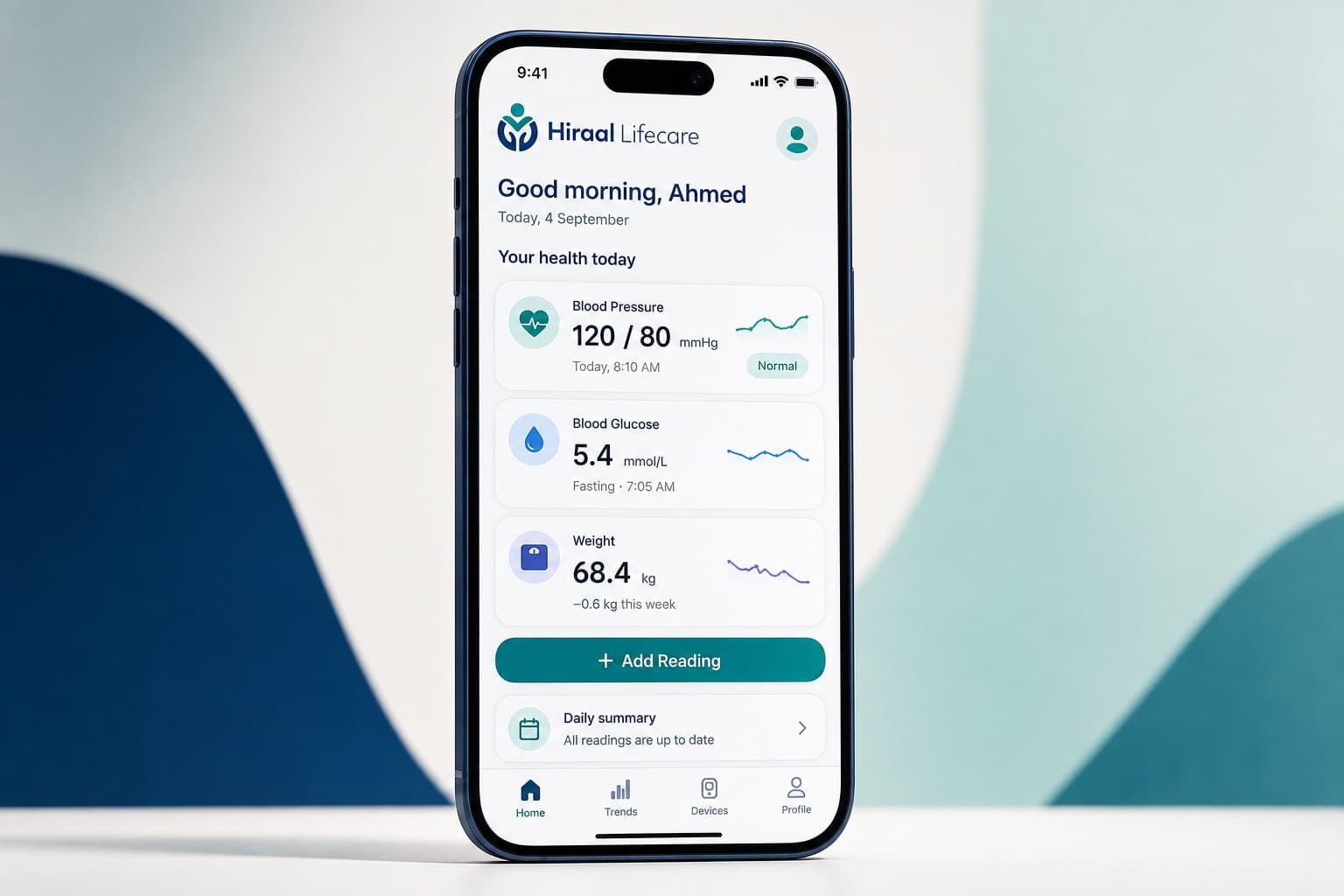
Everything that matters, on one screen.
Open the app and today's three numbers are already there: blood pressure, blood sugar, weight. Each has a small line beside it showing the last few days, and a word — Normal, In range — where the app can give one.
One button underneath, Add Reading, and a daily summary that tells you whether anything is still to be entered.
About entering readings
You enter the numbers yourself.
Hiraal Lifecare records the readings you put into it. You take the measurement in the usual way — with our monitor or any other — and type in the numbers it shows.
We are not claiming that any device sends its readings to the app on its own. If that becomes possible, we will say so here plainly.

Start with tomorrow morning.
Download Hiraal Lifecare, take one reading, and see how it looks after a week.
Free for everyone
No charge to download or to use.
Built for everyday use
Large type, large buttons, plain words.
One place for everything
Pressure, sugar and weight together.
Made in Hargeisa
By Hiraal Healthcare Group.
Hiraal Lifecare helps you record and follow your own health measurements. It does not diagnose, treat or monitor you, and it is not a substitute for professional medical advice.